Scene-by-scene voiceover for video editors

Voiceover that lands in your editor timeline.

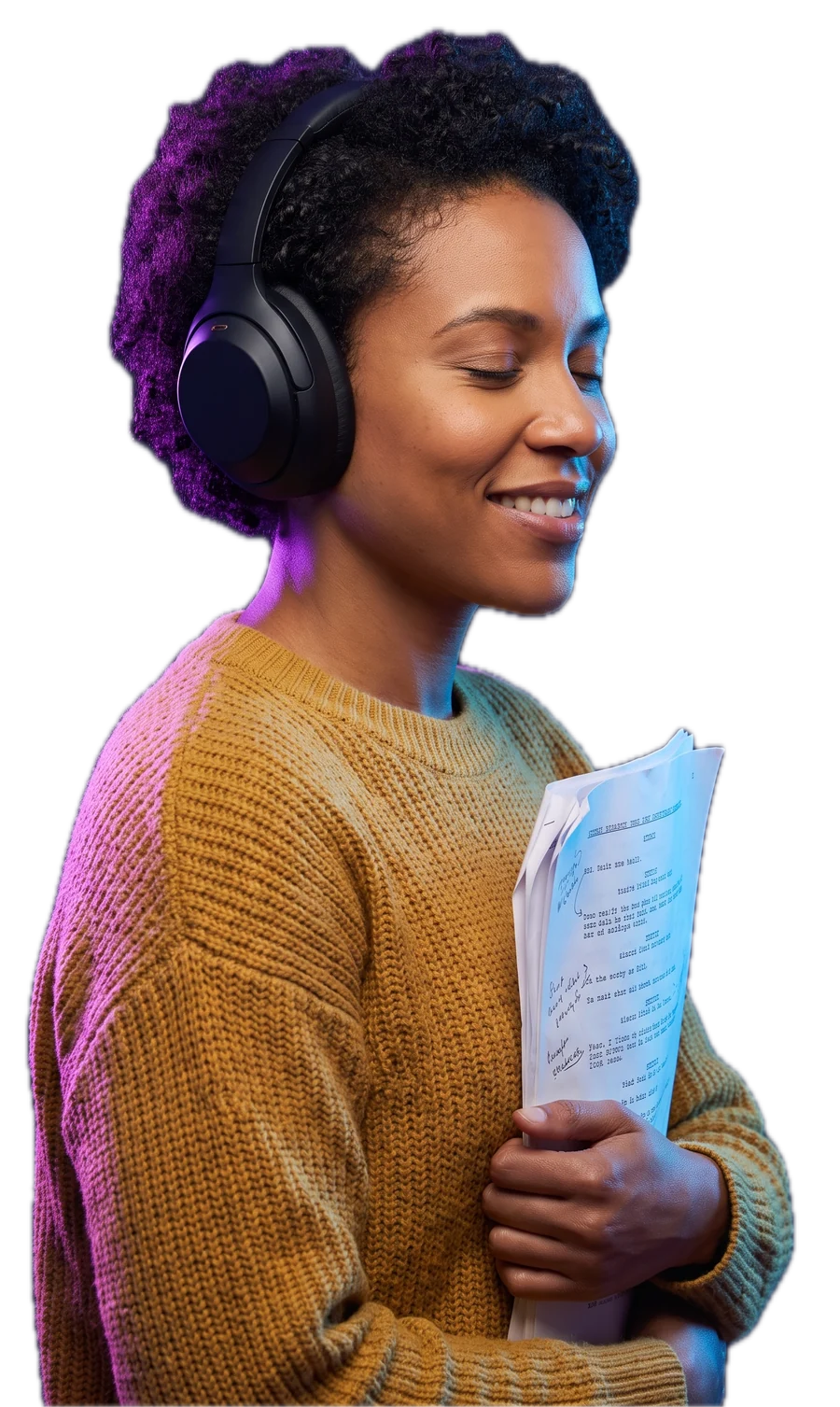
A voice artist in studio headphones, eyes closed and smiling, holding a marked-up script
Script · Scene 1 of 5Narrator

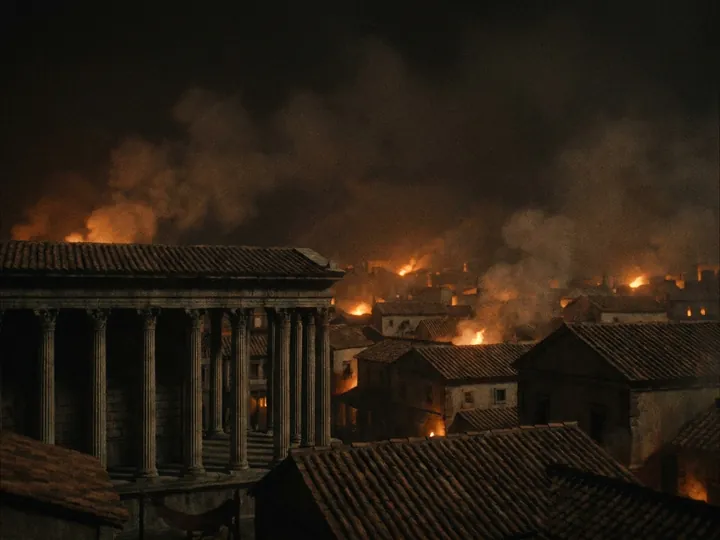
Scene 1: The Opening Hook

Rome was burning, but one man refused to panic. In the winter of 169 AD, Emperor Marcus Aurelius faced plague, war, and betrayal, all at once. Most rulers would have crumbled. Marcus opened a notebook instead.

    01 · How it works

    Three steps from script to timeline.

    1. You send the script

      Plain text with a heading for each scene. A short list of pronunciations at the top is welcome.

    2. I run it

      Pick a voice, describe a new one for me to design, or clone your own. I check every scene against your script.

    3. You get the timeline

      A DaVinci Resolve timeline with linked scene audio, sent back on WhatsApp. Premiere Pro and Final Cut Pro timelines are in development.

    02 · What you get

    Your voiceover. Already on the timeline.

    Get a DaVinci Resolve timeline with your scene-by-scene voiceover arranged in order and linked to the included audio files. Import it into Resolve and start editing.

    DaVinci Resolve timeline support is available now. Premiere Pro and Final Cut Pro timeline support are in development.

    03 · Voices

    Dozens of voices, cast to fit your story.

    The five voices on this page are a sample, and the same script can be rendered in any of them.

    20+voices to choose from, all reading the same scene markers
    Consistency · One narrator, start to finish

    Same voice, every scene

    Scene one and scene forty sound like the same session, so your cut never jumps between tones or takes.

    narrator, first scene to last
    1
    Revisions · Change a line, not the whole read

    Fix one scene at a time

    Rewrite a line and only that scene comes back, numbered to drop into the same slot on your timeline.

    full re-records for a changed line
    0

    Not sure which voice fits? Hear your own scene in it first, free.

    04 · FAQ

    Questions editors ask first.

    Anything not covered here, ask on WhatsApp or by email.

    What do I need to send?

    A plain-text script with a heading for each scene. If any names or terms need a particular pronunciation, list them at the top and I'll follow them.

    Which editors do you support?

    DaVinci Resolve is supported now, with a timeline and its linked scene audio. Premiere Pro and Final Cut Pro timeline support are in development. For other editors, I can provide numbered WAV files and a CSV scene manifest.

    Can the voiceover be in my own voice?

    Yes. Send a short recording of yourself speaking and I'll clone your voice, then use it for every scene. It has to be your own voice, or one you have the speaker's permission to use. No recording? Describe the voice you're after, for example a young Irish woman, and I'll try to design one from that description. You hear a test first. Designed voices are adult voices.

    What if I change a line after delivery?

    Only the scene with the change is re-voiced. It comes back with the same number, so it drops into the same slot on your timeline and nothing else moves.

    Which languages can I write in?

    Working in another language? Send a short scene and tell me the language. I'll make a free sample so you can hear it before you commit.

    How much does it cost?

    Your first scene is free. After that, each script is quoted individually once I've seen it, so you know the price before you commit.

    How do I get started?

    Send one scene from your script on WhatsApp or to hello@voiceyourscenes.com. You'll hear it in your chosen voice before deciding on the rest.
    05 · Pricing

    Free sample scene, then quoted per script.

    Send one scene and hear it in your chosen voice before you commit to the rest.

    Scene 1: The Opening HookNarrator · Assured, British English
    0:00 / 0:17